
A recording in. A playable project out.
See Cairn turn a performance into kits, samplers, and patterns ready to open on your gear.
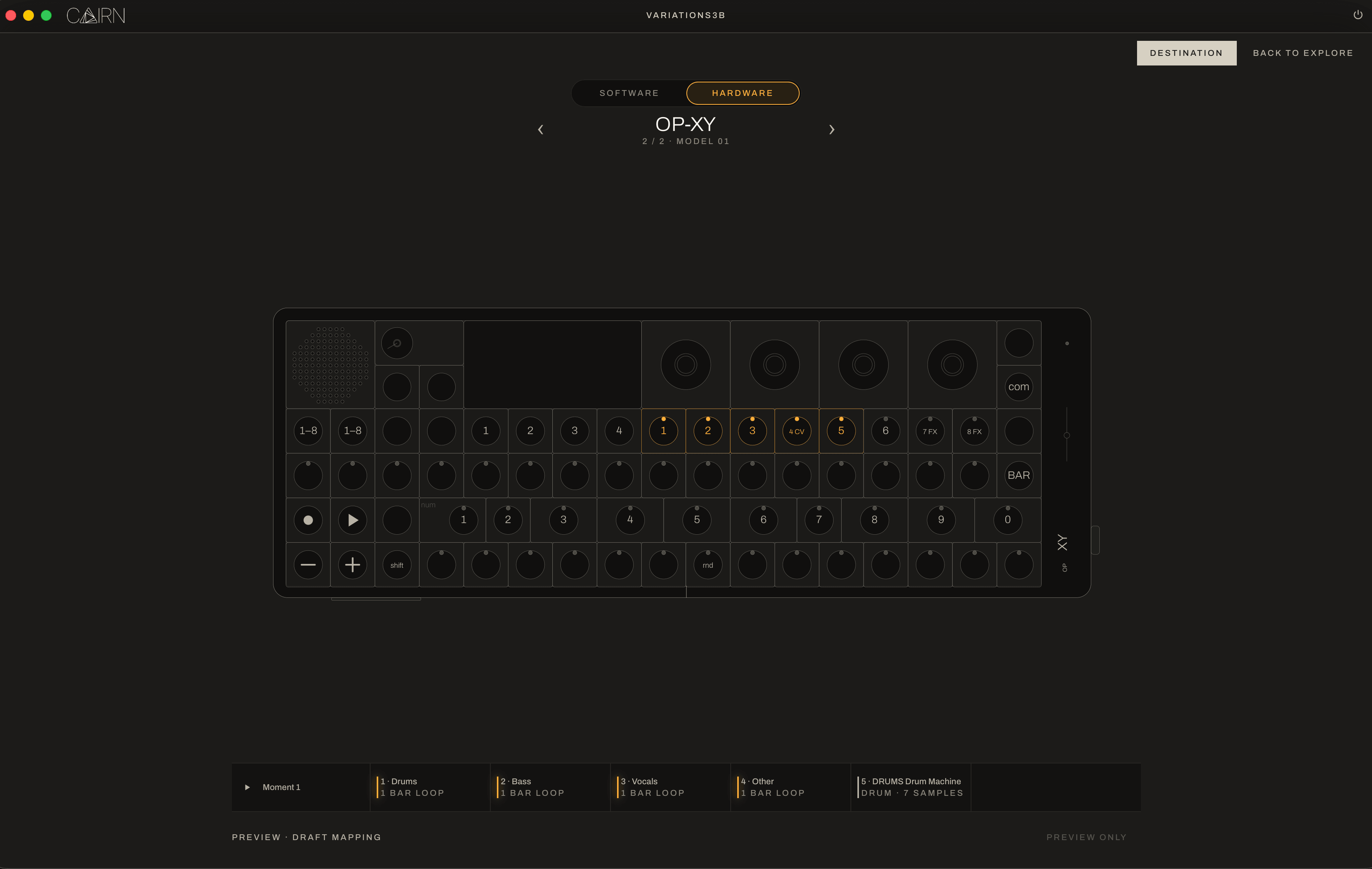
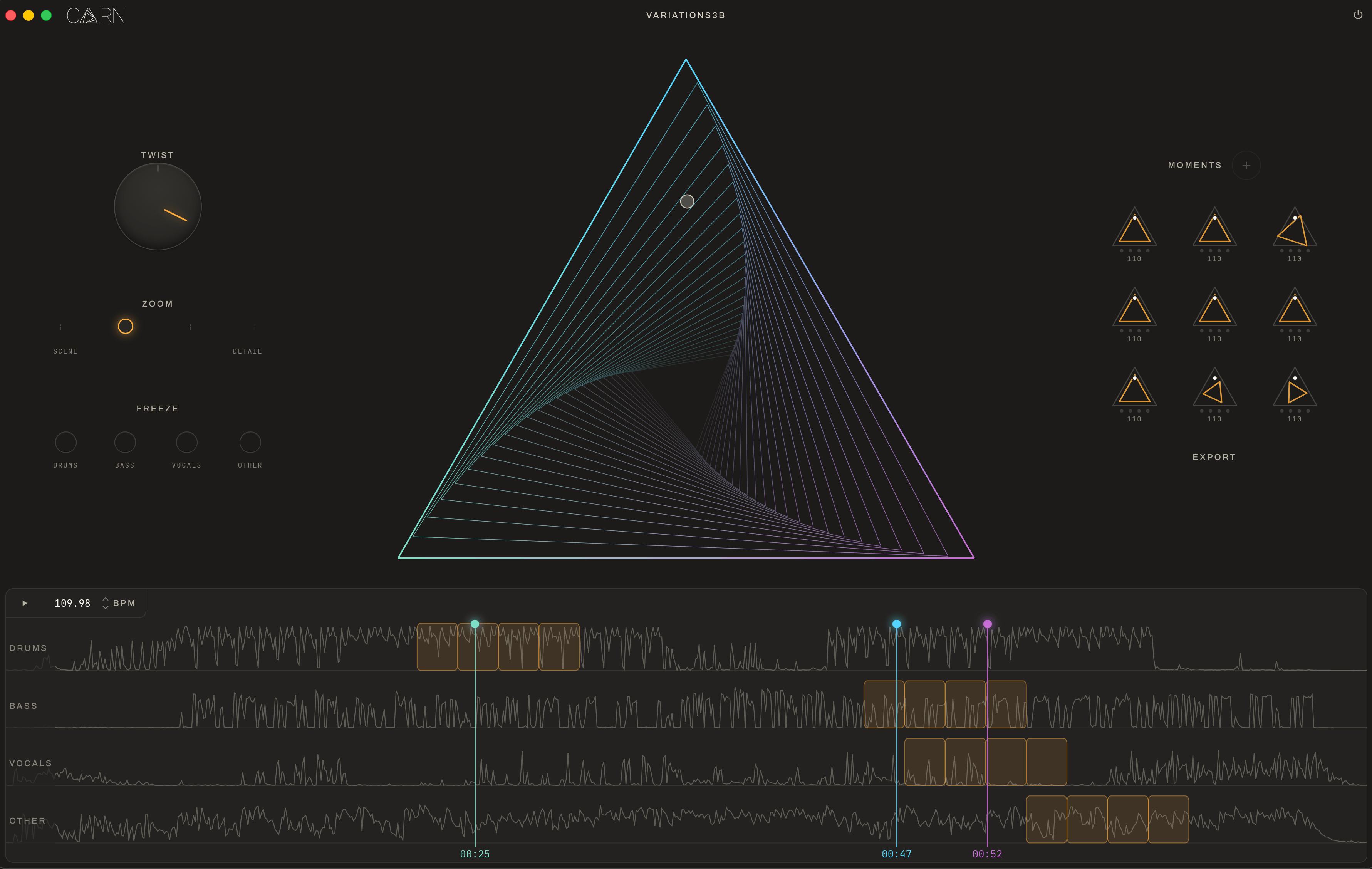
How it works
-
01
Align
Import a recording, or record a take. Cairn finds the tempo and locks it to a beat grid.
-
02
Separate
The take comes apart into stems. Find loopable 'moments' by playing with length, position, and layer.
-
03
Sample
Three machines: drum, melodic, and texture. Each has engines that slice loops into samples and MIDI patterns.
-
04
Export
Native files for the devices you selected.
System requirements
Mac
macOS 12 or later
Standalone application
Internet required for sign-in and periodic authorization; verified access works offline during the grace period
Windows
Standalone application
Internet required for sign-in and periodic authorization; verified access works offline during the grace period
Input
WAV recordings
Exports
- Projects for the listed DAWs and devices
- SFZ instruments
- Standard MIDI patterns
- WAV sample chains
Launch targets
DAWs
- Ableton Live
- Bitwig Studio
- PreSonus Studio One
- Steinberg Cubase 14 or later
Hardware
- Dirtywave M8
- Elektron Digitakt and Octatrack
- Teenage Engineering OP-XY, OP-1 field, and EP-133 K.O. II
- Polyend Tracker
- Akai MPC
- 1010music blackbox